Built for tour operators · Works with your booking platform

Make sure every trip is ready —
without checking everything yourself.
TourOps Operations watches trips, guests, guides, vehicles, logistics, waivers, payments, and customer promises — then handles routine work and surfaces the decisions that actually need you.
Tell TourOps what you need operationally. The team figures out what to check, coordinate, and act on underneath.
“Is Saturday ready?”
Saturday — 4 trips checked.
Winery Tour — 10:00 AM
Ready.
Private Brewery — 1:30 PM
Needs you: guest count increased to 16. Vehicle seats 14.
Highlights Tour — 3:00 PM
Still moving: 2 waivers outstanding. Reminder already scheduled.
Everything else: handled or still moving.
The operator asked one business question. TourOps inspected the operation.
Built by a tour operator
Built around real departures — not generic tasks, work orders, or field-service checklists.
Built around real departures
Guests, guides, buses, capacity, pickup, waivers, venues, timing, and customer promises.
Works with your existing booking platform
Connects around the booking system you already use rather than forcing a replacement.
Operations software used to show you what to check. TourOps checks it.
The human must do the checking:
- 1Open schedule
- 2Inspect each trip
- 3Check guide
- 4Check vehicle
- 5Check capacity
- 6Check waivers
- 7Check pickup
- 8Check payment
- 9Check notes & guest messages
- 10Resolve conflicts
- 11Remember who owns what
The operator receives the checklist — not the decision.
The Operations team continuously works readiness underneath:
- 1Monitors— What changed?
- 2Investigates— Is this actually a problem?
- 3Coordinates— Which people/assets/actions are needed?
- 4Acts— What governed work can happen now?
- 5Escalates— What truly needs human judgment?
Ask the operational question.
Don't hunt through screens.
“Is tomorrow ready?”
“Which trips are missing a guide?”
“Do we have enough vehicle capacity Saturday?”
“What's actually at risk this weekend?”
“Which guests are waiting on us?”
“What changed since this morning?”
“Can we take this 18-person group?”
“Fix the routine stuff and show me what needs a decision.”
You shouldn't have to know which schedule, booking record, manifest, task, vehicle screen, or workflow holds the answer.
An Operations team that keeps working between departures.
Prepare the trip
TourOps checks the full picture before departure:
- Customer promises
- Booking state & payment
- Headcount & capacity
- Guide / driver
- Vehicle
- Pickup / drop-off
- Waivers
- Itinerary & venue details
- Notes & instructions
Coordinate the resources
TourOps reasons across people, vehicles, capacity, availability, timing, geography, qualifications, and conflicts — then recommends or makes governed assignments.
Recommend Ryan + Bus 5
14 guests · Ryan accepted · Bus 5 capacity fits · no conflict
Handle the guest
Guest Care is part of Operations. TourOps connects guest questions and issues directly to booking, trip, logistics, payment, waivers, promises, and changes.
A customer message can change the operation. TourOps understands both sides.
Respond when the plan changes
TourOps re-evaluates when conditions change and recommends the new operating plan.
- Guide calls out
- Guest count changes
- Bus becomes unavailable
- Weather changes the plan
- Customer changes pickup
- Venue or timing changes
Let AI keep the schedule workable as conditions change.
The board exists — but AI operates it too. TourOps reasons across departure times, guide and driver availability, vehicle capacity, location, route, overlapping assignments, qualifications, and special requirements.
Today's timeline
Guides
4 assigned · 1 available
Vehicles
3 assigned · 2 available
Conflicts
1 detected
Conflict detected
Bus 4 is assigned to overlapping trips (2:00 PM Highlights & 2:30 PM Private Transfer).
TourOps recommendation
Assign Bus 5 to the 2:30 PM transfer. Capacity fits and there is no conflicting assignment.
The operator can say “do it” or pick an alternate. TourOps revalidates and executes where governed — without making you reconstruct the problem yourself.
Know what's ready before you ask.
TourOps continuously checks upcoming work. Clean operations disappear from the workload. What remains comes with the context and recommendation prepared.
12
Ready
Nothing needs you.
4
Still moving
In progress. No person needed yet.
2
Needs you
Real exceptions only.
Private Winery — Saturday 11:00
16 guests · 1 guide · 1 vehicle
TOUROPS CHECKED
Ready.
Every part checked. Nothing needs you.
Corporate Brewery — Saturday 2:00
Guest count changed to 17
TOUROPS FOUND ONE EXCEPTION
RECOMMENDATION
Move to Bus 5. It is available and capacity fits (20 seats).
Clean operations disappear from the workload. You get the exception and the prepared next move — not a checklist to hunt through.
Give TourOps the operational goal. Let it keep working.
The work continues until the goal is resolved, handed off, or genuinely needs a person.
Get Saturday ready
- 1Checks all Saturday trips
- 2Resolves routine gaps
- 3Chases missing items
- 4Monitors replies
- 5Rechecks state
- 6Brings unresolved exceptions to you
Cover the guide call-out
- 1Finds affected trip
- 2Checks qualified available staff
- 3Checks conflicts
- 4Recommends replacement
- 5Prepares communication
- 6Updates the operating plan
Handle the vehicle outage
- 1Identifies affected departures
- 2Checks alternate vehicles
- 3Checks capacity
- 4Rebuilds assignments
- 5Identifies customer impact
- 6Escalates only if no safe governed solution
The guest question comes with the trip attached.
“Where are you picking us up Saturday?”
Pickup is 10:45 AM at the Downtown Hotel front entrance. Look for the silver shuttle — Bus 5.
A MESSAGE CAN CHANGE THE OPERATION
“We actually have 17 people now.”
TourOps understands this changes capacity, vehicle, possibly quote/payment, manifest, and trip readiness — and triggers the appropriate operational response.
Guest Care isn't a separate inbox. It's part of delivering the trip — connected to the actual booking, logistics, and operational state.
Tour · date · time · group · pickup status · conversation history · special instructions
Customer AI answers the guest directly from real operational state.
TourOps creates the appropriate recommendation or action inside Operations.
A customer message can change the operation. TourOps understands both sides.
When the day changes, TourOps already has the context.
Late guest. Guide call-out. Traffic. Weather. Vehicle issue. TourOps connects the live trip context, available resources, and customer impact — so the operator doesn't have to reconstruct the problem.
Driver reports: “Bus 3 has a warning light. I'm not taking it.”
TOUROPS CHECKED
Move the Highlights Tour to Bus 5.
Capacity fits and Bus 5 has no conflicting assignment. Driver Sam is available and knows the route.
Safety stays with the human
TourOps does not decide whether Bus 3 is safe. The driver, mechanic, or operator owns that. AI handles the operational consequences.
The traveler-facing AI and the Operations team share the same trip context.
- Where do I meet?
- What time?
- Is pickup confirmed?
- Do I need a waiver?
- Can I change something?
- What happens if we're late?
Operations picks it up. Same guest. Same trip. Same context.
Customer AI handles the traveler conversation. Operations works the trip. The context carries between them.
Same trip. Same customer. Same context.
You decide what TourOps can do on its own.
Start conservative. Give TourOps more room where the rules are clear and you've built trust. It feels like delegating authority to a good employee — not a wall of workflow toggles.
Advise
Tell me what should happen.
TourOps identifies the next move and explains why.
Prepare
Get the assignment/message/change ready.
TourOps builds the action — you approve.
Handle routine work
Run approved low-risk operating work automatically.
Routine, governed work runs inside the boundaries you choose.
Bring me in
Escalate safety, policy, money, or unusual judgment.
Meaningful decisions keep surfacing to a person.
More autonomy where the rules are clear. More human judgment where the consequence matters.
Know whether you can actually run what you're selling.
TourOps answers from real operational context — no spreadsheet, no dashboard to build.
Trips
5 scheduled
Guests
78 booked
Vehicles
3 of 4 assigned
Guides
4 assigned · 1 open
Recommendation
One guide slot open for the 6:00 PM Lights Tour. Ryan is qualified and available — assign or hold?
Give the guide or driver the context they need — without making them dig for it.
A target-state frontline brief puts the whole trip in the guide's hand — and lets them ask in natural language.
Winery Tour
10:00 AM · 16 guests
After-trip: TourOps will prepare your trip summary, incident notes, and open follow-ups.
This is Operations capability — not a separate “Driver product.”
A complete operations system underneath the AI team.
Use the visual tools whenever you want. TourOps just shouldn't require you to manually operate every screen to know whether the business is ready.
Operations built around departures — not work orders.
Public tours
Perishable seats, departure viability, demand concentration.
Private tours
Group counts, custom decisions, customer promises.
Transportation
Vehicles, drivers, pickup/drop-off, capacity, timing.
Day-of changes
Weather, substitutions, guest moves, recovery.
Once the departure time passes, you don't get another chance to deliver it correctly.
Everything underneath Operations works together.
Deeper pages and SEO entry points — not separate products.
Ask the operation instead of building another report.
The system returns an answer, the reason, a supporting visual if useful, and a recommended action — not another dashboard-building exercise.
This is TourOps Intelligence — not a separate product.
Built inside a real operating tour company.
TourOps is being shaped inside a real tour and transportation operation — where the AI Operations team has to deal with actual bookings, guests, private groups, weak departures, guides, vehicles, waivers, pickups, and day-of problems.
Real operational workflow tested there today.
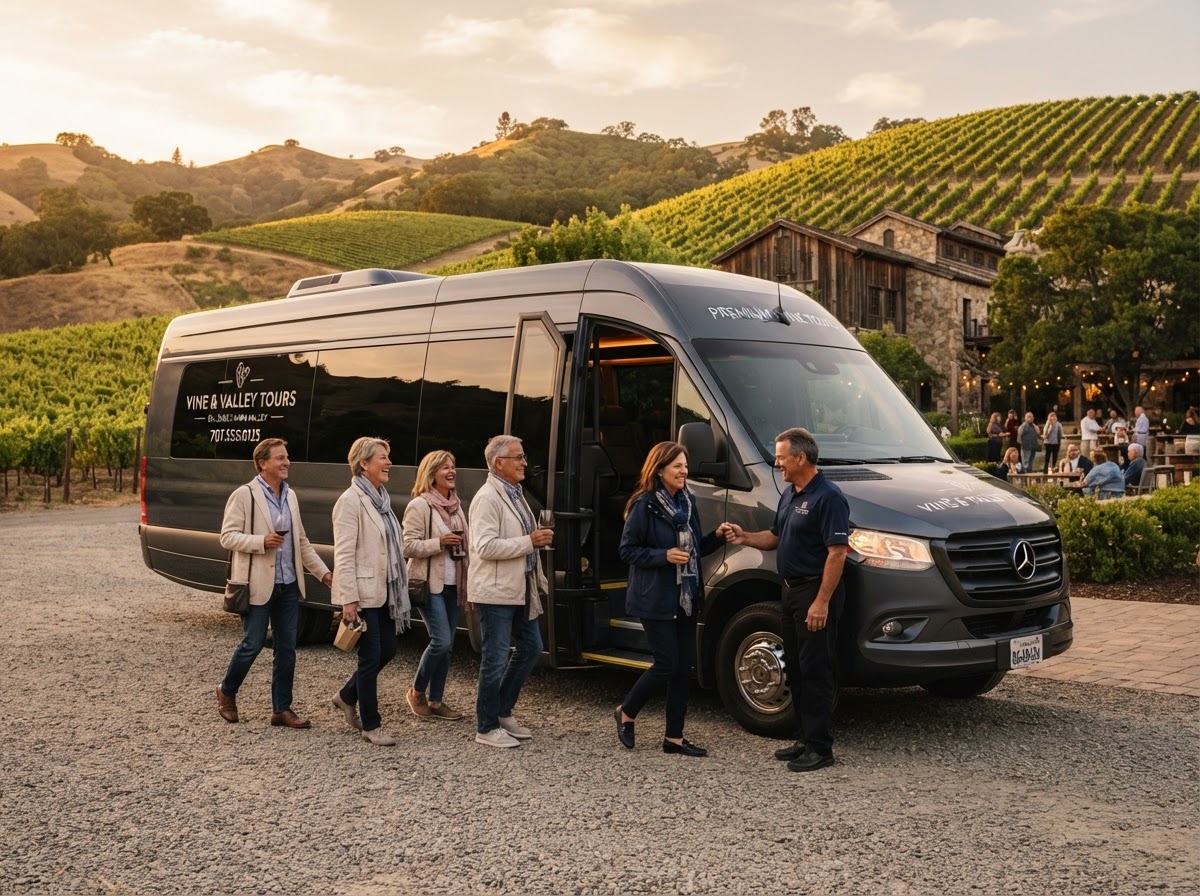
Real operation tested.
No invented efficiency metrics. When other operators are live, their results go here.
Questions operators ask.
Let your AI Operations team keep the business ready.
TourOps handles more of the checking, coordination, and routine operational work behind every departure.